Case management for clear aligner planning labs
Every case, on a portal with your lab’s name on it.
Occlyn runs the work between your lab and the practices you serve: intake, records, setups, approvals, revisions and refinements. All of it in one system your lab owns, instead of WhatsApp threads or a manufacturer’s portal.
- Manufacturers
- Any
- Planning software
- Any
- Branding
- Yours
Lab workspace · dark, dense, keyboard-first, for people who work in it all day.
01Where cases live today
The free portal is the expensive one.
Most planning labs run on whatever was already there. Each option works until the lab grows, and each one leaves the lab less in control of its relationships with its practices.
- 01
Messaging apps
Records arrive in chat threads. Approvals are a thumbs-up. Nobody can say which setup version the doctor actually saw.
- 02
Drives and spreadsheets
Case status lives in a sheet that one person keeps up to date. When they're on leave, the lab guesses.
- 03
A manufacturer's free portal
It works until you want a second manufacturer. Then every case record and every trained provider stays behind.
Occlyn starts from one idea: the lab should own the layer between itself and its practices.
02The workflow
From Rx to trays, every step has an owner.
Each case moves through the same stages, and anyone looking at it can tell where it is and who has it. When a patient needs a refinement, it opens as a new case linked to the first.
- 01Provider
Submit
Rx, intraoral scans, photos and radiographs arrive as one case.
- 02Lab
Review records
Missing a scan? Ask the provider in the case. It waits on them, visibly.
- 03Lab admin
Assign
Route it to a technician. Load across the team is on one screen.
- 04Technician
Plan
In whatever planning software your lab already uses.
- 05QC
Check
An internal review before anything leaves the lab.
- 06Lab
Release
The setup goes to the provider as a numbered version.
- 07Provider
Approve or revise
One decision on an iPad. A revision loops back to planning.
- 08Lab
Send to production
Approved files go to the manufacturer you choose.
- 09Manufacturer
Ship
Trays go to the practice. The case stays on record.
What Occlyn is not
Not CAD. Not a planning engine. Not a manufacturer. Your technicians keep the software they plan in today, and Occlyn handles the case around it.
03Why Occlyn
Four things no other portal does together.
- 1Manufacturer-neutral · CAD-neutral
Any manufacturer. Any planning software.
Send approved files to whichever manufacturer fits the case, and change partners without losing a single record. Your technicians keep the tools they already know.
- 2Per-lab role-based access
Roles you design, not ones we ship.
Compose each role from a catalogue of permissions. If your QC lead also takes intake, give them exactly that and nothing else.
- 3Practice hierarchy
Practices with associates under them.
A main provider adds associate providers to one practice account. Case volume and status roll up, so the practice sees all of its patients in one place.
- 4Practice onboarding
Onboard a practice in one email.
Add the practice and invite its main provider in the same step. They set a password and they're in, and you're told the moment they arrive.
04The provider portal
Your brand, in the operatory.
Providers get a portal under your lab's name, designed for a quick check between patients.
- Your name and logo on every screen
- Providers see your lab, not ours. Occlyn stays in the background.
- On your address
- Your lab gets its own subdomain, or you can use a domain you already own.
- One obvious next action
- Built for a doctor with two minutes between patients, on an iPad, with no training.
- Internal notes stay internal
- Technicians can be candid about record quality. Lab-only messages never reach a practice, and no setting can change that.
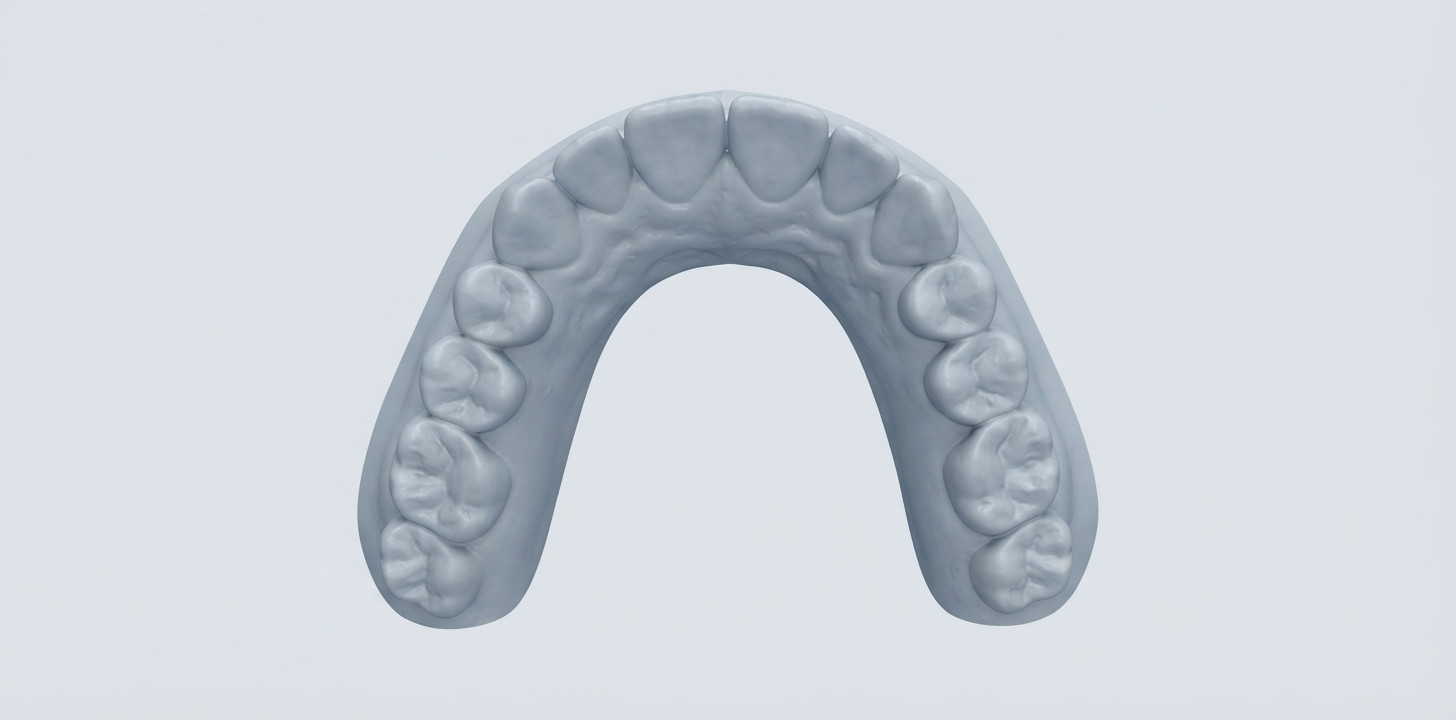
Provider portal · light, comfortable, 44px touch targets.
05Security & data
Rules we don't bend.
These are product rules, set before the first line of code. A feature that breaks one doesn't ship.
- R1
Billing never locks clinical data.
If an invoice is overdue, your lab drops to read-only and can't submit new cases. Existing cases stay viewable and setups stay downloadable. There are patients in treatment behind those records.
- R2
Your data leaves with you.
A full export of cases, records and setups is a feature. Being neutral means nothing if you can't leave.
- R3
The least patient data that works.
We collect only what the workflow needs. Patient details stay out of notifications and logs. Every record and setup file is fingerprinted when it's stored and checked before it's served, so a damaged file is refused, never delivered.
- R4
Each lab's data is separate.
Every lab is a separate tenant. Your practices, cases and team are never visible to another lab on the platform.
06Pricing
Priced per case, like your own work.
Your lab already charges by the case, so we do too. A base fee covers the platform and a set number of cases each month. Above that, you pay per case. Bank transfer is as welcome as a card.
- Platform fee
- Monthly, with a case quota included
- Cases over quota
- A per-case rate
- Refinements
- Count as new cases
- Revisions
- Free, up to the count in your contract
- Payment
- Card or bank transfer
- Contract
- Agreed with your lab
07Book a demo
See it with your cases in mind.
Tell us a little about your lab. We'll show you how Occlyn handles the way you already work.
- 01We reply by email to set a time that suits your lab.
- 02A walkthrough built around how your lab works today.
- 03If it fits, we set up your lab with your name, logo and address.